
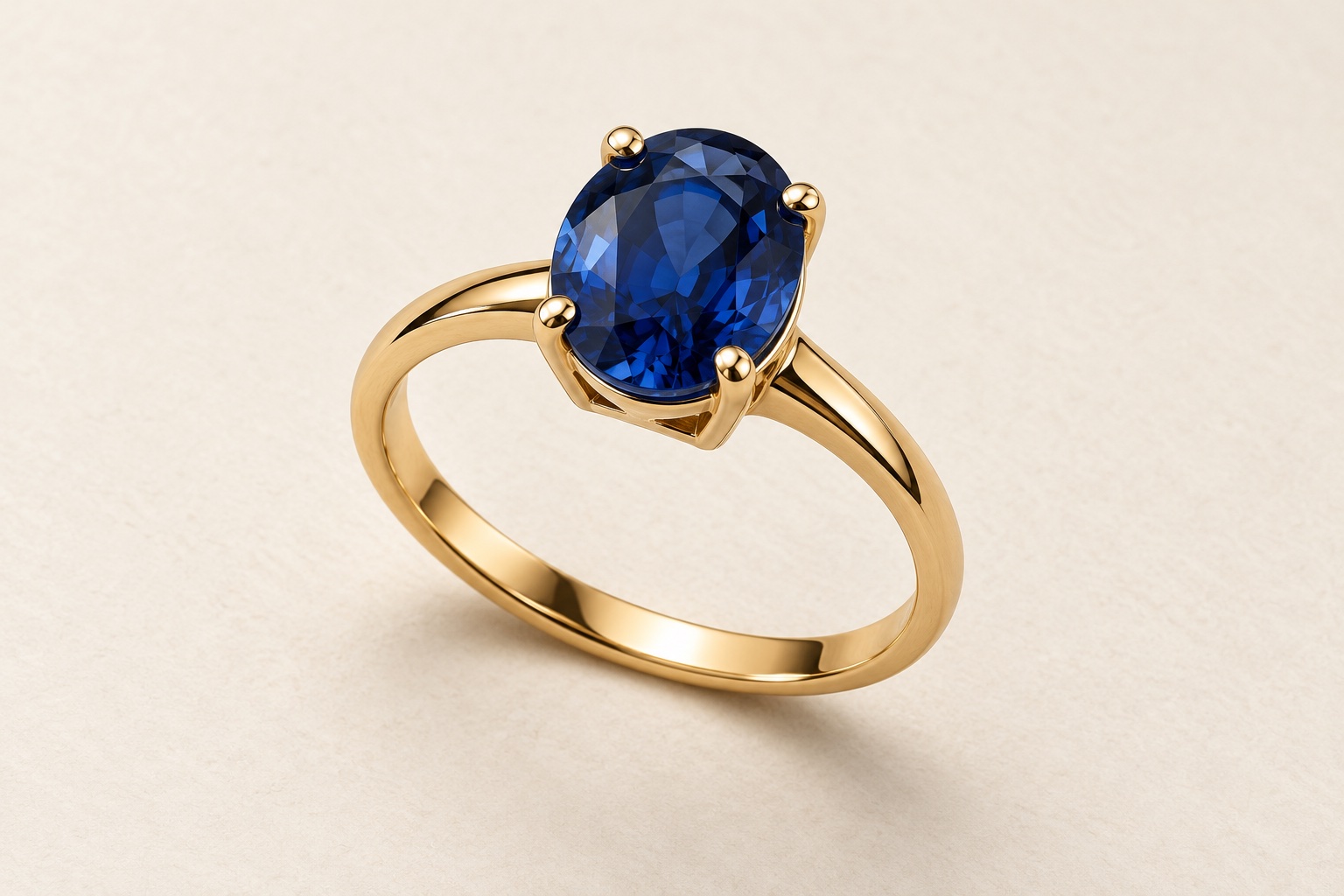
Choose a main view that explains the ring
A ring can look striking in a close-up while still leaving a customer unsure about its shape. The main photograph should introduce the complete piece: the band, the setting and the proportions that make the design distinctive. Supporting photographs can then answer the questions that a single angle cannot.
For a gemstone ring, a three-quarter view can show both the face of the stone and some of the setting. For a plain or textured band, a carefully chosen angle can reveal the width, profile and surface finish. There is no single pose that suits every design, so send reference photographs and explain what you want customers to notice.
Agree whether the ring will stand upright or lie on the background. Consistency across a range helps customers compare designs, but the arrangement should still reveal the features of each piece. Avoid choosing a dramatic angle that hides the product’s defining detail.
Show the setting and band from the side
A face-on view may show the gemstone clearly but leave the height of the setting uncertain. A profile photograph can reveal how the stone sits above the band, the shape of the shoulders and the construction beneath the centre stone.
This view is particularly useful when the side of the ring has its own design: an open gallery, decorative shoulders or smaller stones that disappear from the front. Tell the photographer which features deserve attention rather than requesting a second angle simply to fill a space in the listing.
For bands, consider whether a side or slightly tilted view would explain the outer curve and edge shape. Keep claims about fit and comfort in your accurate product information; a photograph can show the profile, but it cannot tell a customer how the ring will feel on their hand.
Use focus stacking to keep the rear of the band clear
In a close-up of a ring, the front setting and the rear of the band sit at different distances from the camera. Focusing on the gemstone alone can leave the back of the band soft. If customers need to see the complete shape clearly, include sharpness at the rear of the band in your brief.
Focus stacking combines several photographs taken with the focus moved through different parts of the ring. The sharp areas are blended into one finished image, helping to keep the front setting, shoulders and rear section of the band clear together. It is a technique for showing the actual ring more clearly, rather than adding detail that was not captured.
Ask for a stacked image where this extra clarity is useful, especially for an angled view showing the whole ring. When reviewing it, check the rear edge and inside of the band as well as the stone and claws. The transitions should look natural, without doubled edges or halos. Our guide to focus stacking in jewellery photography explains the approach in more detail.
Make the surface finish clear
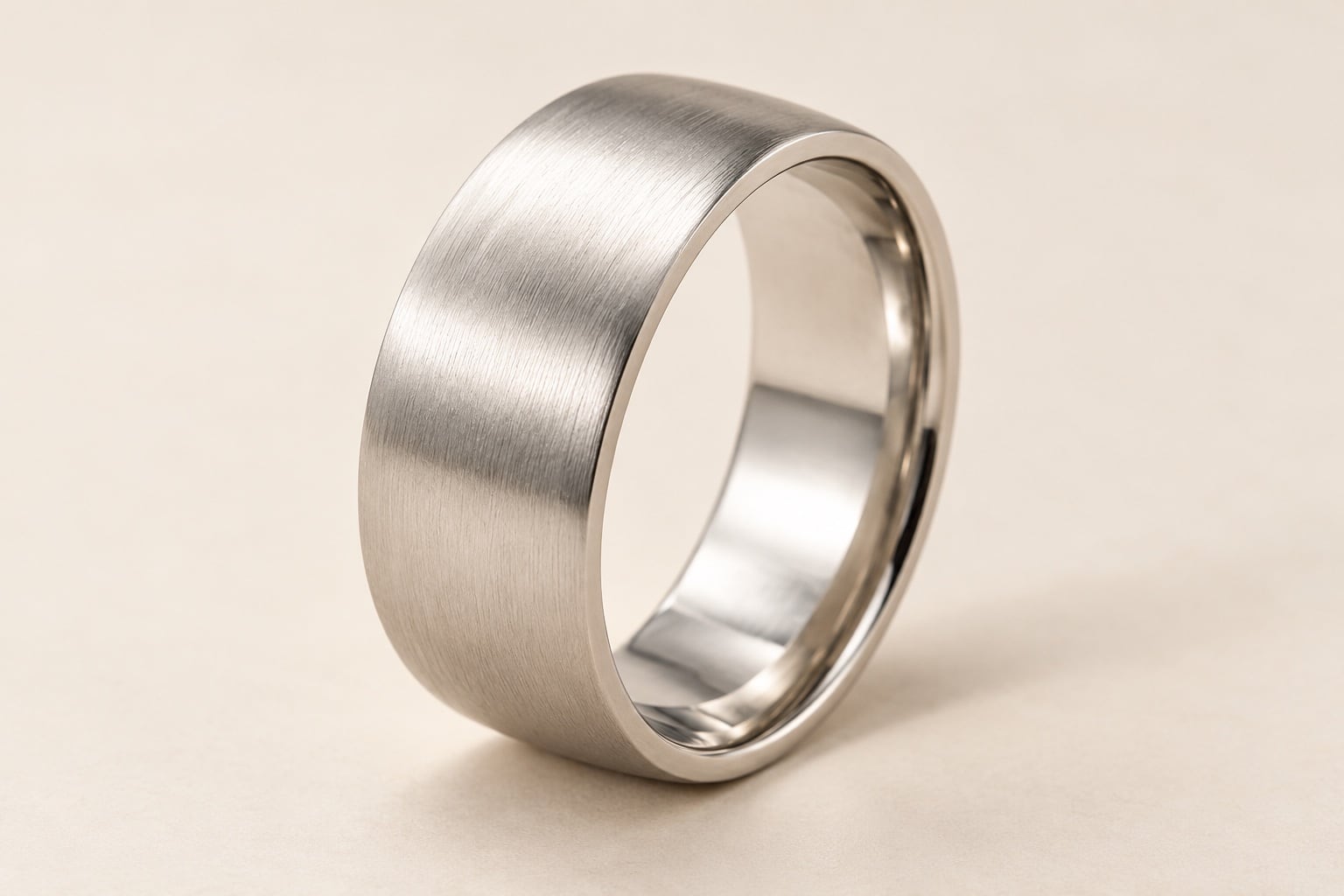
Polished, satin and textured surfaces need to remain recognisable in the finished photographs. Send the correct sample and identify any intentional marks or patterns in the brief. A brushed finish should not be retouched into a mirror finish, and a hammered texture should not be mistaken for damage.
Reflections are part of how metal appears. The useful question is whether they help describe the shape or obscure a feature that customers need to see. A close-up can give a texture more space without asking the main image to explain every detail at once.
Agree what should be cleaned up. Temporary dust or a handling mark is different from a design feature. Our jewellery retouching guide explains how to set those boundaries before approving the finished images.
Decide whether engraving needs its own photograph
If engraving or an interior detail is part of the buying decision, include it in the shot list. The inside of a band can be difficult to understand from the main view, so a separate close-up may be more useful than trying to make tiny lettering visible in every photograph.
Tell the studio which marks should be readable and check the actual sample before sending it. For a personalised range, choose an example you have permission to display publicly. Make it clear in the product listing when the photograph shows example personalisation rather than the exact inscription a customer will receive.
Only describe materials and hallmarks using verified information about your products. A photograph of a stamp can support the listing, but the photographer should not have to infer the ring’s specification from a small mark.
Help customers understand proportions
Large close-ups are useful for detail, but they do not communicate real-world dimensions on their own. Supply the band width, relevant setting dimensions and any other measurements your customers need. Pair those measurements with clear product descriptions.
When photographing several rings, agree how closely their framing should match. Making each ring fill the same amount of the image can make a slim band and a substantial setting look more similar in size than they are. Decide whether visual consistency or a direct size comparison is the priority for each group of images.
A worn photograph may help with context, but discuss that separately before booking. See our guide to showing jewellery size and scale for more on planning measurements and supporting views.
Build a shot list around the questions customers ask
A practical starting point is a main three-quarter view, a profile view and one close-up of a defining feature. This is a starting brief, not a rule that every ring needs exactly three photographs. A simple band may need a different selection from a ring with an elaborate setting and interior engraving.
For example:
We have six gemstone ring designs. Each needs a consistent main view on white and a side view showing the height and gallery of the setting. Please use focus stacking for the main view where needed to keep the rear of the band clear alongside the front setting. Two designs also need a close-up of the shoulder detail. We will supply product codes, dimensions and approved photographs from our existing collection.
List the metal and gemstone variants separately. Identify which samples are coming to the studio, and avoid assuming that one photographed ring will accurately represent every finish or stone option. If a particular area must be sharp, point it out so the photographer can plan the capture. Our focus stacking guide explains a technique worth discussing when detail extends across several depths.
Prepare the samples and references
Keep each ring labelled with its product code and match it to the shot list. Send any relevant packaging only if it is part of the requested photographs, and flag delicate details or handling requirements in advance. Include approved reference images when the new photographs need to match an existing range.
For a studio drop-off, arrange an appointment first. You can also send products by courier; letting David know when to expect them is preferable. You can arrange return collection or include a return label.
Explore our jewellery photography service, then send David your ring collection and proposed shot list to discuss the photographs you need.