
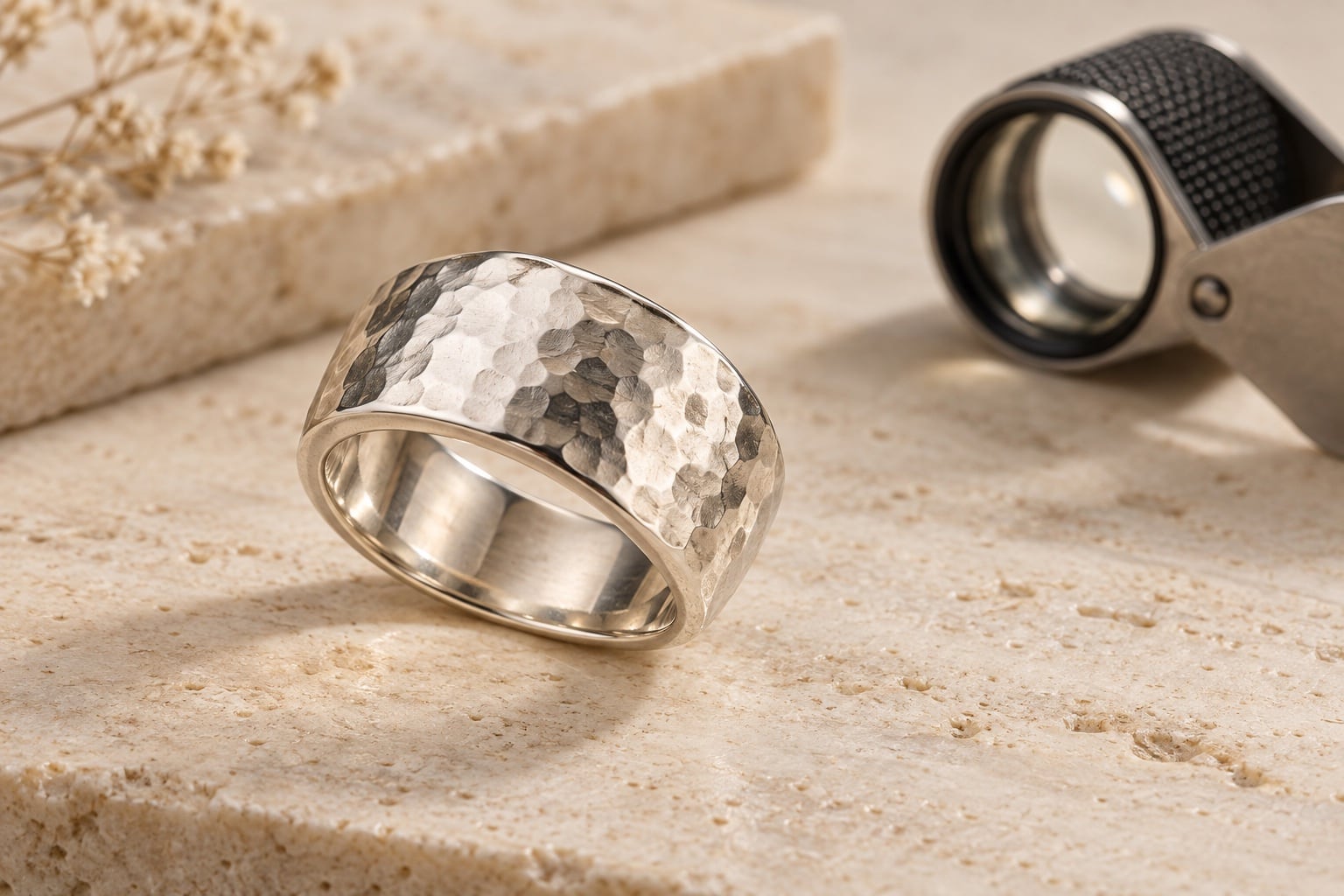
Start with what the photograph needs to represent
Jewellery retouching should help customers see the piece clearly. Before asking for a cleaner or brighter finish, explain what the photograph represents: a repeatable design from a new collection, a handmade piece or a particular pre-owned item. That context changes how marks and variations should be treated.
A fingerprint picked up during handling is different from an intentional hammered surface. A mark on a shop sample may need discussion; wear on the exact second-hand piece being sold is information the customer may need to see. Avoid one blanket instruction to remove every imperfection.
Give the editor a clear boundary: improve the presentation while keeping the jewellery faithful to the item offered for sale. Identify anything uncertain on an annotated copy, with the original file kept separately.
Separate temporary distractions from genuine features
| Detail in the photograph | Instruction to discuss |
|---|---|
| Dust, lint and fingerprints | Identify temporary handling marks that can be cleaned up without changing the surface beneath. |
| Scratches or wear | Explain whether these belong to the sample or to the actual item for sale. Agree what must remain visible. |
| Brushed, hammered or oxidised metal | Preserve the character of the finish rather than turning it into uniformly polished metal. |
| Hallmarks, engraving and logos | Retain the actual wording and shapes. Flag any detail that needs a clearer source photograph. |
| Claws, links and fine fittings | Keep the construction, spacing and proportions intact while cleaning surrounding distractions. |
These are decisions for the brief, not a promise that every file can support every edit. Send a representative original so the editor can judge the detail available. If a feature is blurred or hidden, polishing the surrounding pixels does not supply a reliable view of it.
For a new shoot, prepare the pieces carefully and flag delicate surfaces before handling. Agree who will prepare them and how. Removing a distraction before photography can reduce the work needed across several views of the same piece.
Keep metal looking like metal
Ask for a balanced finish that retains useful highlights, darker reflections and surface texture. “Remove all reflections” can be an unclear request for polished jewellery: some changes in tone help the viewer understand the curve of a band or the shape of a setting.
Point out the particular reflection you find distracting and provide an example of the intended finish. Review whether the result still describes the same material. A brushed silver band should not become a smooth chrome-like object, and a darkened decorative recess should not disappear during general brightening.
For a collection, agree consistency without forcing unlike pieces to look identical. Polished, satin and textured finishes can need different treatment. The goal is a coherent set of images in which each product remains recognisable.
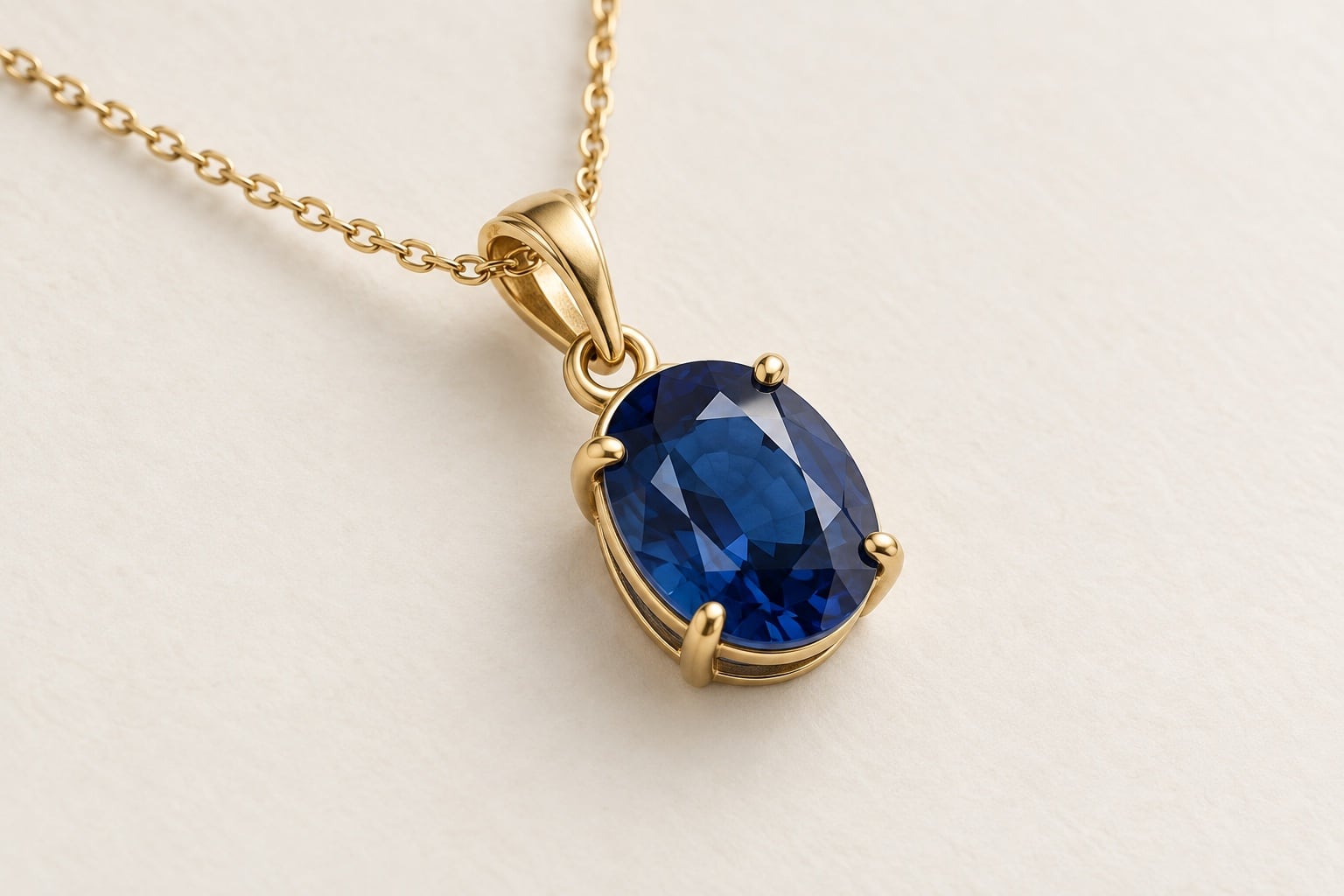
Protect gemstone colour and setting detail
Explain which stone and metal colours matter most and supply a useful reference for assessment. Identify the reference’s purpose: colour, brightness, contrast or presentation. A photograph chosen for its mood may be a poor instruction for the exact colour of your own stone.
Avoid relying on “make it sparkle” as the whole brief. Ask whether important facets and setting details are visible, and whether the chosen finish remains believable. Added bright points or stronger colour should not create a different impression of the piece from the product you supply.
Keep the claws, stone outline, links and surrounding spaces intact. Where an inclusion or surface feature is visible, explain what it is and discuss whether it belongs in the finished view. Do not leave the editor to guess whether it is dust or part of the stone.
If detail is missing because of focus or glare, ask whether another original or a new photograph is needed. Our jewellery focus-stacking guide covers planning sharp views across a piece.
Approve a representative sample at two viewing sizes
Choose an ordinary piece and examples of the difficult finishes in the collection. A simple polished band will not establish the treatment for every fine chain or detailed gemstone setting. Agree the sample scope and any charge before the full batch starts.
First view the result at the size it will appear on your shop. Check that the piece looks clear, natural and consistent with the surrounding images. Then inspect the important details close up: engraving, metal texture, claws, links and retouched areas.
Compare against the original and your agreed reference. Look for missing features, overly smooth surfaces, colour shifts and hard outlines. Send one consolidated set of comments with filenames and marked areas, then retain the approved sample as the collection’s reference.
For several metal or stone options, review a sample of each relevant finish. Our metal and gemstone variants guide explains how to organise those options.
A jewellery retouching enquiry you can adapt
“We have eighteen photographs of a new silver jewellery collection. Please clean visible dust and fingerprints while retaining the hammered finish, hallmarks and all setting details. We have marked two sample scratches for discussion before editing. Please assess the attached originals and reference, quote for the full batch and agree a sample finish with us first.”
Add the intended use, required file dimensions, background treatment and deadline. List background removal and extra output versions separately. Our photo editing brief guide provides a fuller delivery checklist.
Explore our jewellery photography and photo editing services, or send representative images to the studio to discuss the work. Clear boundaries make it easier to quote and review the finish your collection needs.