
Start with the versions customers can actually buy
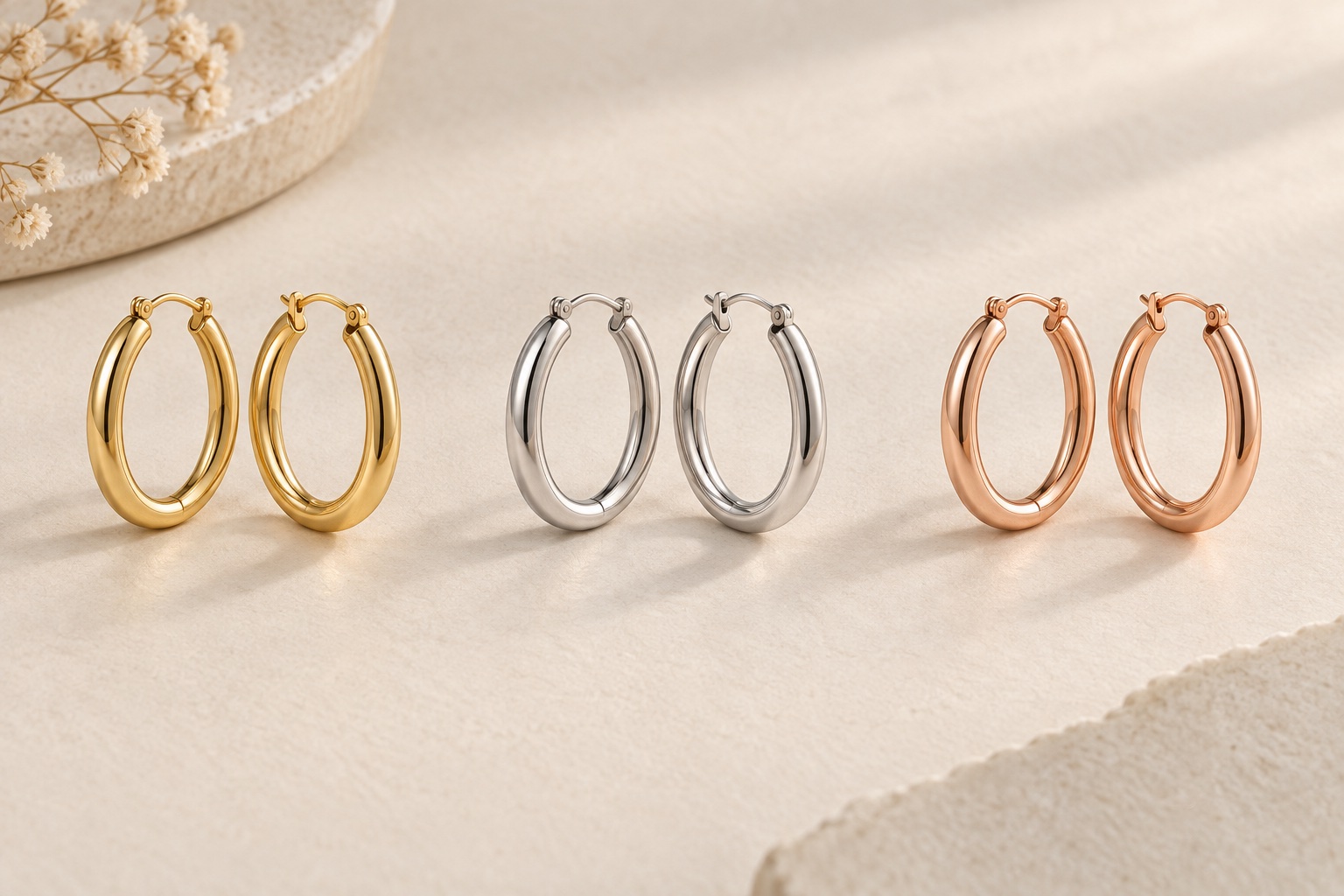
A jewellery collection can look small on a product list and become a much larger photography brief once the options are counted. One pendant design might be sold in two metals and three stones. Before requesting a quotation, write down the combinations that genuinely exist and identify the sample for each.
Do not assume every metal is available with every stone. If the green pendant comes only in silver, the brief should say so. This helps prevent a photograph or product-page selection suggesting an option that is not for sale.
Give each version a unique reference. Use that reference on the sample’s container, in the shot list and in the requested filenames. Keep the descriptive name too, so someone reviewing the images can understand the difference without decoding a stock system.
Build a simple variant list before counting photographs
| Reference | Version | Required views |
|---|---|---|
| P01-S-BL | Silver finish, blue stone | Main view and reverse |
| P01-S-GR | Silver finish, green stone | Main view and reverse |
| P01-G-BL | Gold finish, blue stone | Main view and reverse |
| P01-G-PK | Gold finish, pink stone | Main view and reverse |
This example requests eight finished photographs. A group showing all four versions would be an additional image. It is a counting example, not a recommended package or a quotation.
Review each requested view before finalising the total. A reverse photograph might show the clasp, setting or finish; decide whether it needs to be made for every version. If you propose sharing a detail image across variants, confirm that it represents each one accurately and that its use will be clear on the product page.
Use our jewellery shot-list guide to choose the views, then apply them to the actual variants. Separate product count, variant count and finished-image count in your enquiry.
Match the presentation while preserving the real differences
Ask for a consistent camera angle, crop and apparent product scale across the range. Those choices make it easier to compare versions. Keep a reference image for the background, spacing and shadow treatment, and state which features of that reference should repeat.
Consistency does not mean making every metal look alike. A polished surface, a brushed finish and an intentionally darkened recess should retain their distinguishing appearance. Identify the finish in the brief, especially when small samples look similar in ordinary room light.
Use your own product descriptions for the metal and stones. Tell the studio about plating, mixed metals and any deliberate variation rather than expecting those details to be inferred from appearance. The photograph and its filename should correspond to the version your customer selects.
Supply representative samples and flag variations
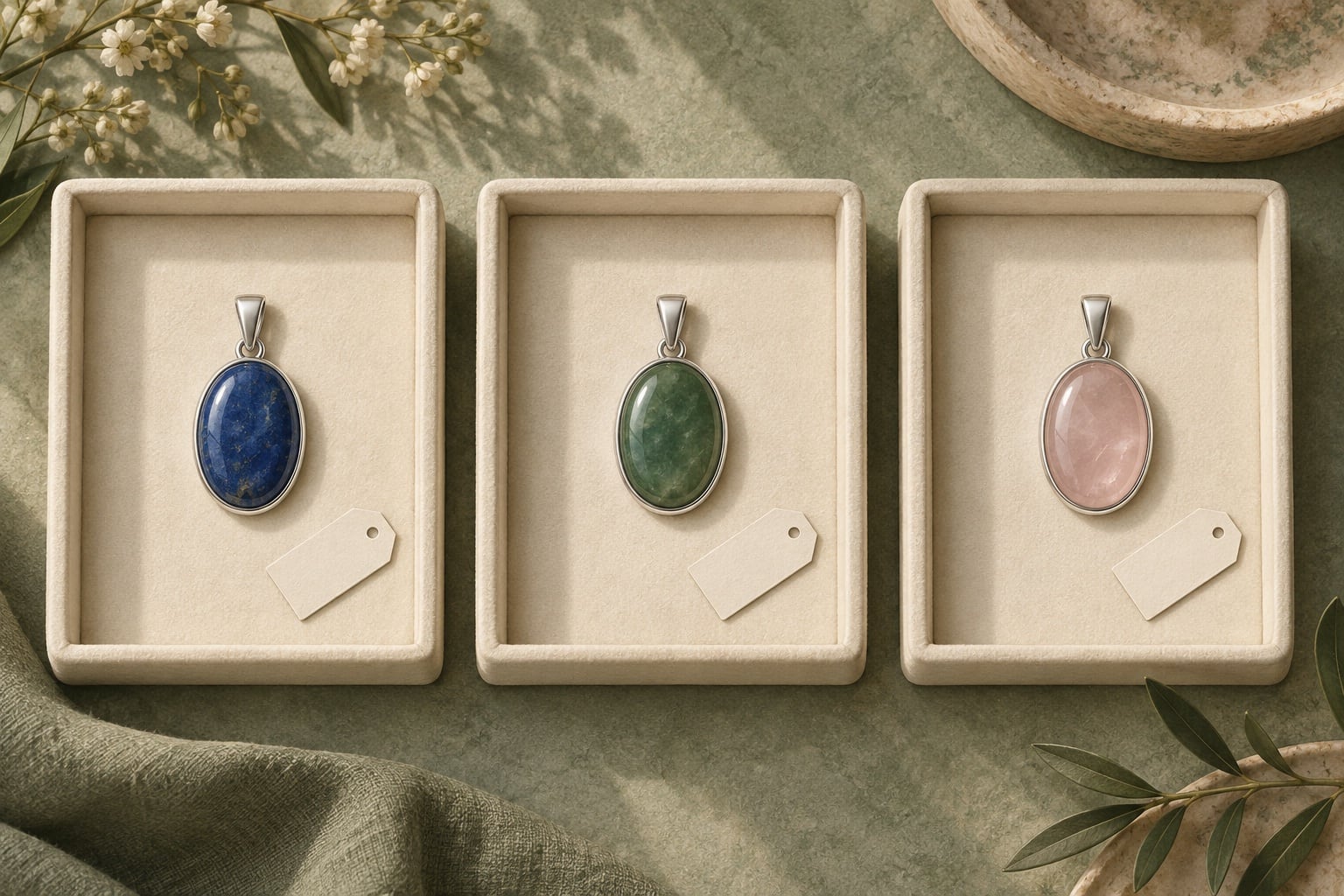
Where separate photographs are needed, supply the corresponding samples and keep their references attached to their containers. Keep earring pairs together, identify removable components and include a clear inventory. Flag any version that is a prototype or differs from the stock you will sell.
If individual stones vary visibly, explain how the images will be used. Are you selling the exact one-off piece shown, or using a representative photograph for a range? That distinction should guide sample selection and the wording on your product page. A generic image should not quietly be treated as a record of an individual piece.
For a collection that grows over time, supply the earlier finished images as references. Our consistency guide covers matching later batches to an established presentation.
Discuss recolouring instead of assuming it replaces a sample
A request to “make the gold one silver” leaves important questions open. Is the design identical? Does the alternative have the same surface finish, setting and construction? Would changing only the colour accurately represent what is sold?
Ask the studio to assess the specific pieces and intended use. Do not assume a digital colour change can faithfully reproduce a different stone’s appearance or a different metal finish. Where an edited version is being considered, provide a reliable reference and agree how its accuracy will be checked.
Keep the physical sample or another agreed reference available during review. Different screens can show colours differently, so explain your colour priorities before the job rather than relying only on a quick phone comparison afterwards. Protect logos, hallmarks, textures and defining details throughout the edit.
Check the files against the product options before upload
- Match each finished file to the sample reference and variant name.
- Check that a pair, clasp or included component has not been confused with another version.
- Compare angle, margins and scale across the collection.
- Confirm which images are shared and which belong only to one variant.
- Test that selecting a metal or stone in the shop displays the corresponding photograph.
- Keep the approved reference set for future additions.
A useful enquiry: “We have one pendant in four metal-and-stone combinations. We need a main view and reverse for each, plus one collection group. Here is the variant list and the shop layout. Please advise if any detail views can be shared accurately.”
See our jewellery photography examples to discuss the presentation you want. Send the variant list, representative sample photographs and your deadline when enquiring about your collection. A clear list makes the quotation easier to assess and the final files easier to use.