
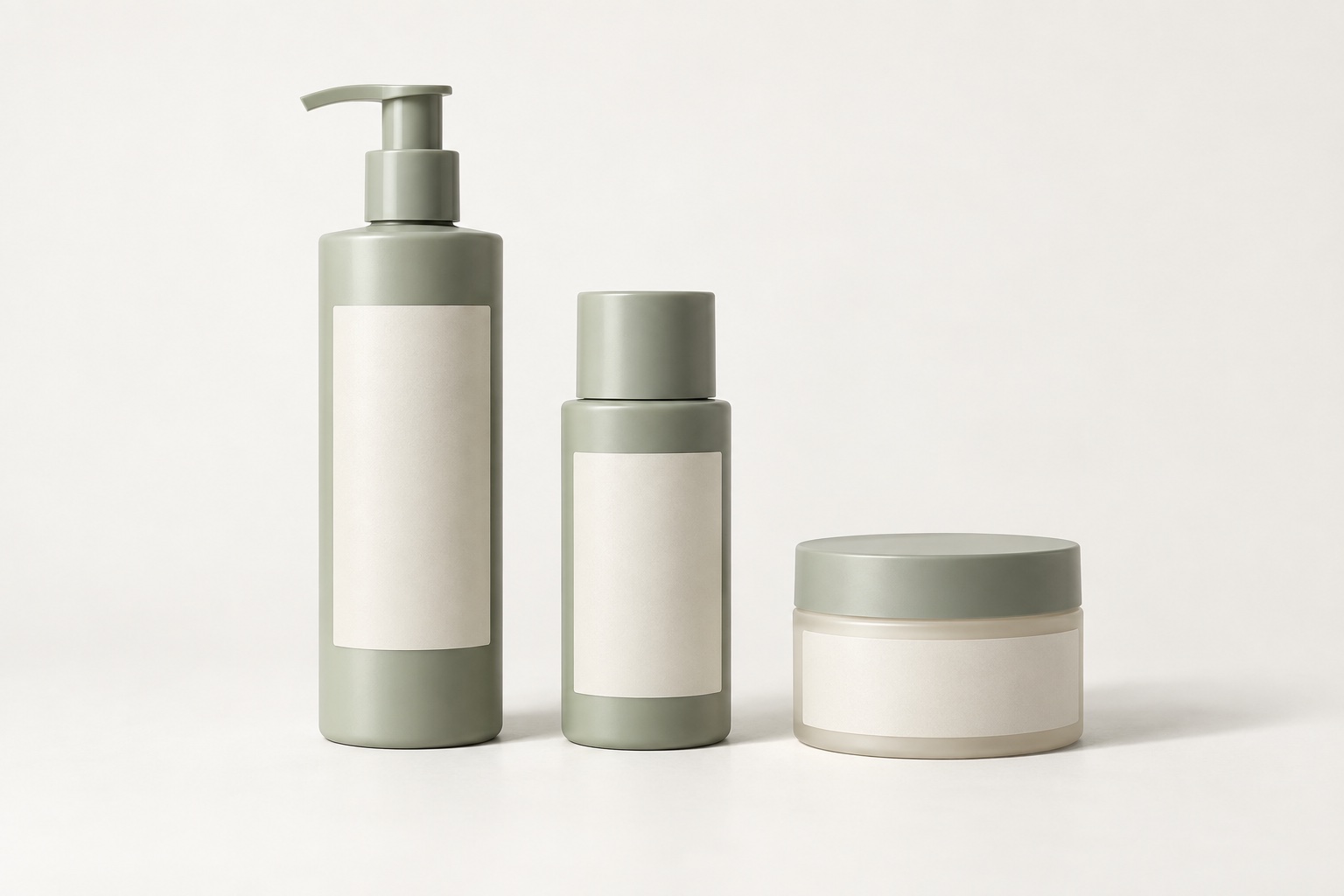
Choose the existing photographs you want to match
Adding a product to an established range should not mean starting its photography brief from scratch. Begin with a small set of approved images that shows the finish you want to continue. Send the original delivered files where possible, alongside a link to the product pages where they appear.
Choose references that belong together. If your current catalogue mixes several angles, backgrounds or editing styles, identify which set the new work should follow. Asking for a match to everything at once leaves the important decisions unresolved.
Include a main product view and any recurring detail views. Explain what needs to stay consistent and what is changing, such as a taller bottle, a new lid or revised packaging. The aim is a recognisable family of photographs while still showing each product accurately.
Agree what “consistent” means for your range
| Element | What to look for |
|---|---|
| Camera angle | How much of the top and sides is visible, and which way the product faces. |
| Framing | Margins, product position, baseline and space for the shadow. |
| Lighting | Direction, softness and the way highlights describe the material. |
| Background and shadow | Background tone, shadow direction, strength and how the product meets the surface. |
| Colour and finish | Accurate product colour and a comparable level of contrast and retouching. |
| Delivered files | Image dimensions, crop, format and naming pattern. |
Matching does not mean making every object the same height in its image. A small jar and a tall bottle have different proportions. Agree whether the catalogue should show relative size or give each product a similar amount of space in its own tile. Do not let a cropping decision accidentally misrepresent what the customer is buying.
How David checks a new image against the reference
David uses the earlier photographs as references and layers the new image with the reference in Photoshop to check the alignment precisely. Viewing the images together helps compare positioning, framing and scale rather than relying on memory or switching between separate windows.
That comparison supports the matching process; it does not make different products identical. A changed shape, material or camera angle still needs attention during photography. Aligning the outline afterwards cannot recreate a view that was not captured.
Send the reference files with your enquiry and explain which features matter most. For example: “Keep the same front-facing view, leave the same space above the cap and match the soft shadow to the right.” Our photography briefing guide covers the wider shot list and file requirements.
Keep the style consistent without hiding material differences
A brushed metal bottle, clear glass jar and matt carton will reflect light differently. A consistent image set should still make those materials recognisable. Copying the apparent brightness of one surface onto every other surface can flatten details that help customers understand the product.
Flag changes in finish and colour when introducing a new variant. Supply the actual variant you want photographed and identify anything that must not be edited away. A new colourway can also have different labels, fittings or texture; it may need more than a colour adjustment to an old image.
If the earlier photographs have problems you would rather correct, discuss whether to match their present appearance or update a small group together. Our retouching or reshoot guide helps separate presentation changes from missing photographic detail.
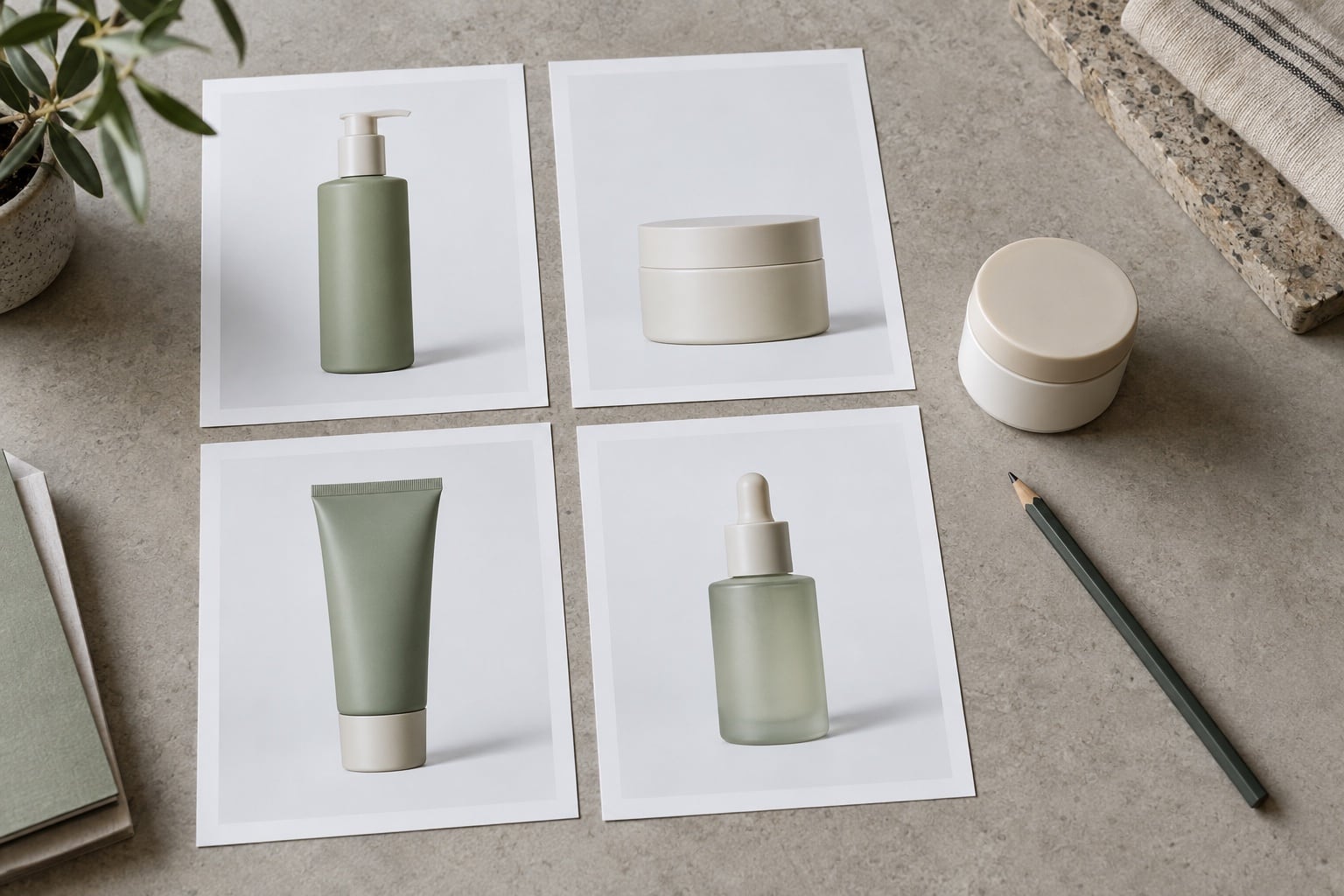
Review the photographs together in their intended layout
Compare old and new images side by side at the size customers will see them. A product grid can reveal a higher baseline, tighter crop or stronger shadow that was easy to miss when viewing each file individually. Also inspect detail views at their intended display size.
If the files look consistent before upload but different on the website, check the site’s cropping and image settings. A layout that trims each image differently can undo carefully agreed framing. Keep a copy of the original delivered files so you can distinguish a photography issue from a display issue.
For a larger addition to the range, discuss a representative sample review before the full set is finalised. Choose a sample that includes any new shape or difficult material, so the comparison answers a real question.
Keep a clear reference for the next batch
- Save the approved reference images and identify the version to follow.
- Keep a short note of the agreed views, framing, background and shadow treatment.
- Record the delivery dimensions and naming pattern.
- List the new products, variants and any packaging changes.
- Identify one person to consolidate feedback on the image set.
When you are ready to add products, send the references and product list with your enquiry. We can discuss the photography required and what can be matched. If you need to send samples, see our studio delivery guide.