Skip to content
Contact Us

Product Packshot Photography UK

Photo Editing Services

Product Packshot Photography · Editing by Picarm

Photo Editing
Services

Smart tools.
Skilled people.

AI-assisted photo editing, directed by expert retouchers. For ecommerce brands, retailers and photography studios.

Try it free. No account needed. Already a client? Sign in ↗
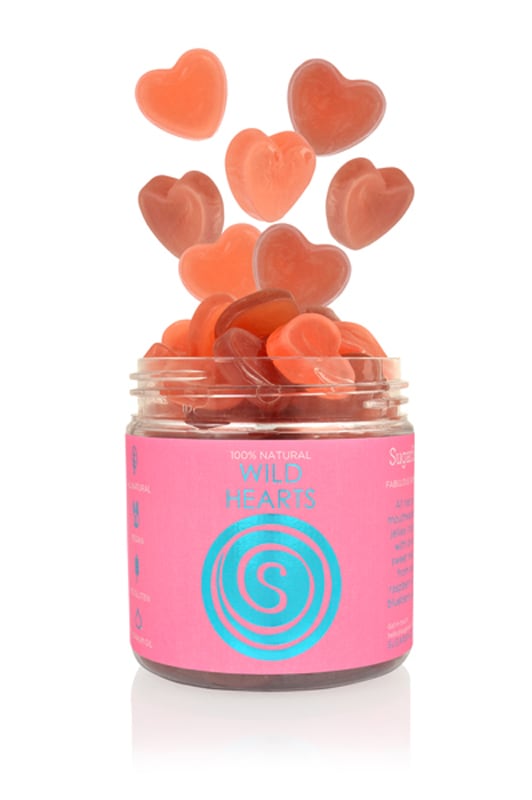
Heart-shaped orange sweets suspended above an open clear jar with a pink Wild Hearts label on a white background
Background removalCareful retouchingSingle images & batchesNo subscription

From background removal to photo retouching

View our services

One image or a whole range. Choose your edits. See your price. Send your brief.

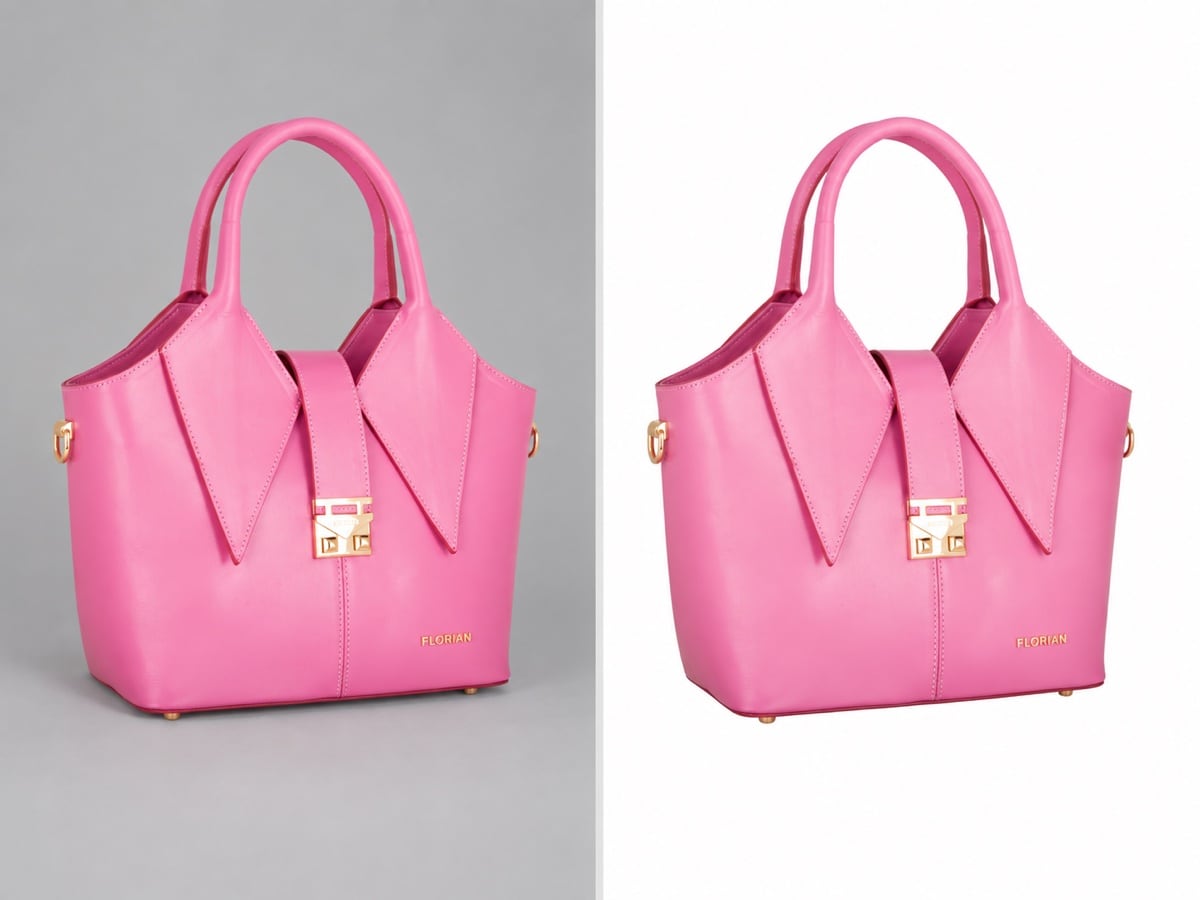
Pink Florian handbag shown against a grey backdrop and isolated on white to demonstrate background removal

Background removal

White, transparent or custom backgrounds. Put your product first.
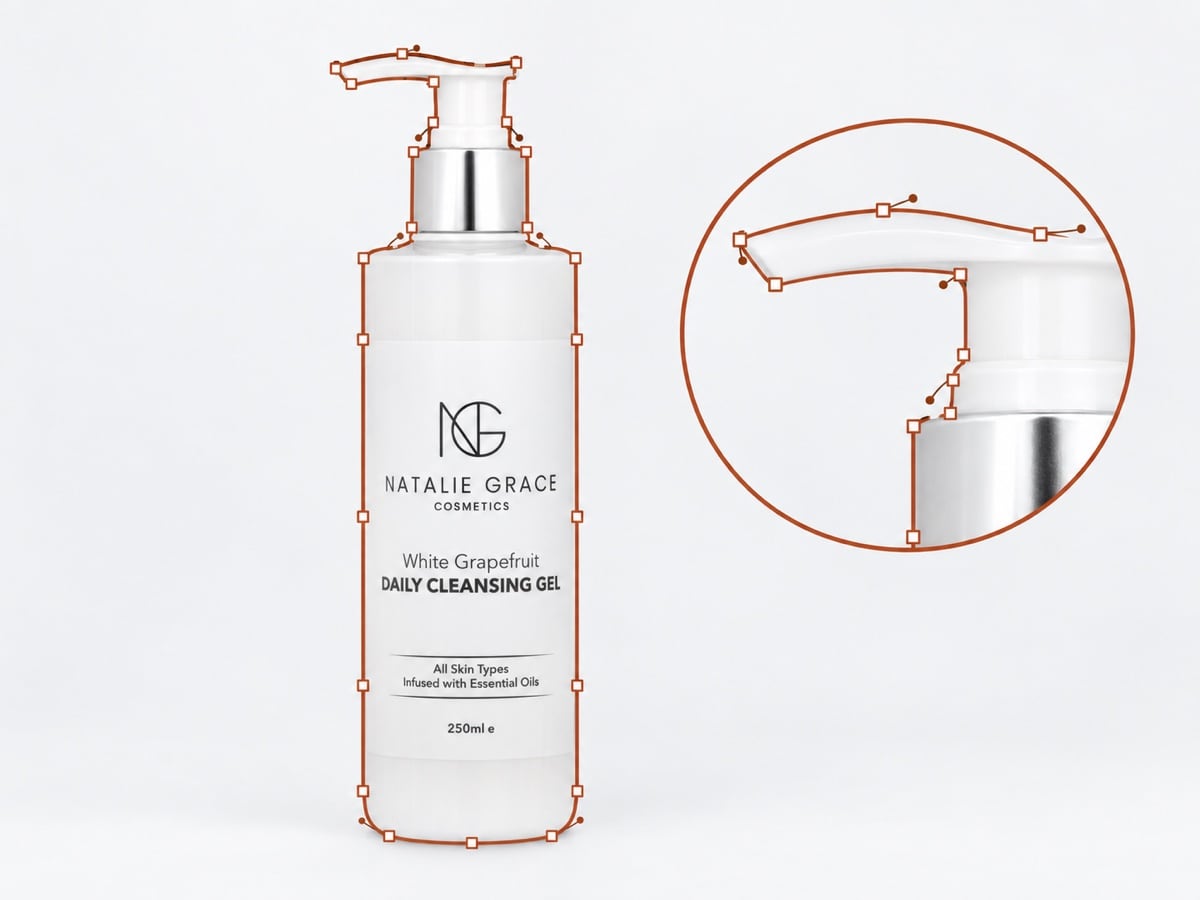
White Natalie Grace pump bottle with a clear rust clipping path and enlarged detail of its pump

Clipping paths

Precise cut-outs for print, layouts and further editing.
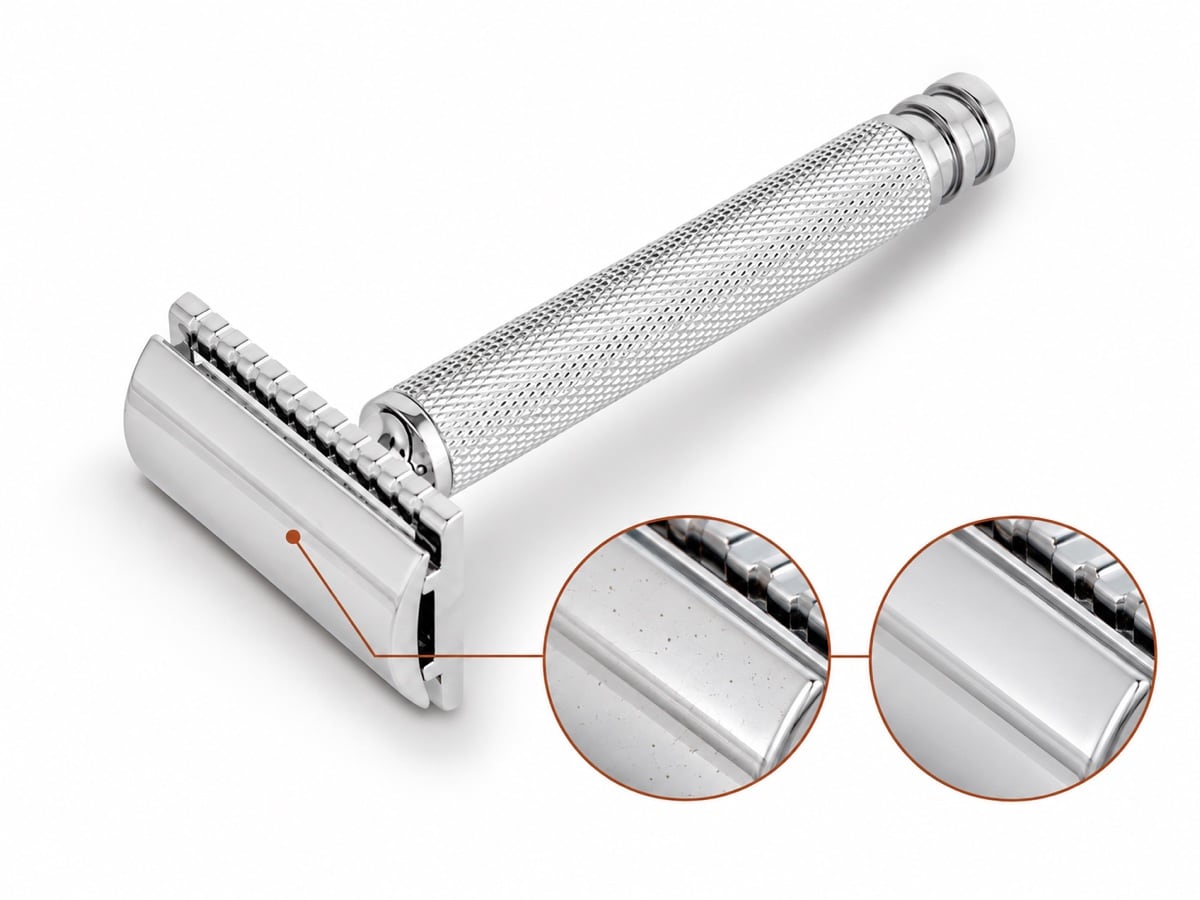
Polished silver razor with magnified dusty and cleaned metal details demonstrating careful photo retouching

Photo retouching

Remove dust and marks. Keep the texture and detail.
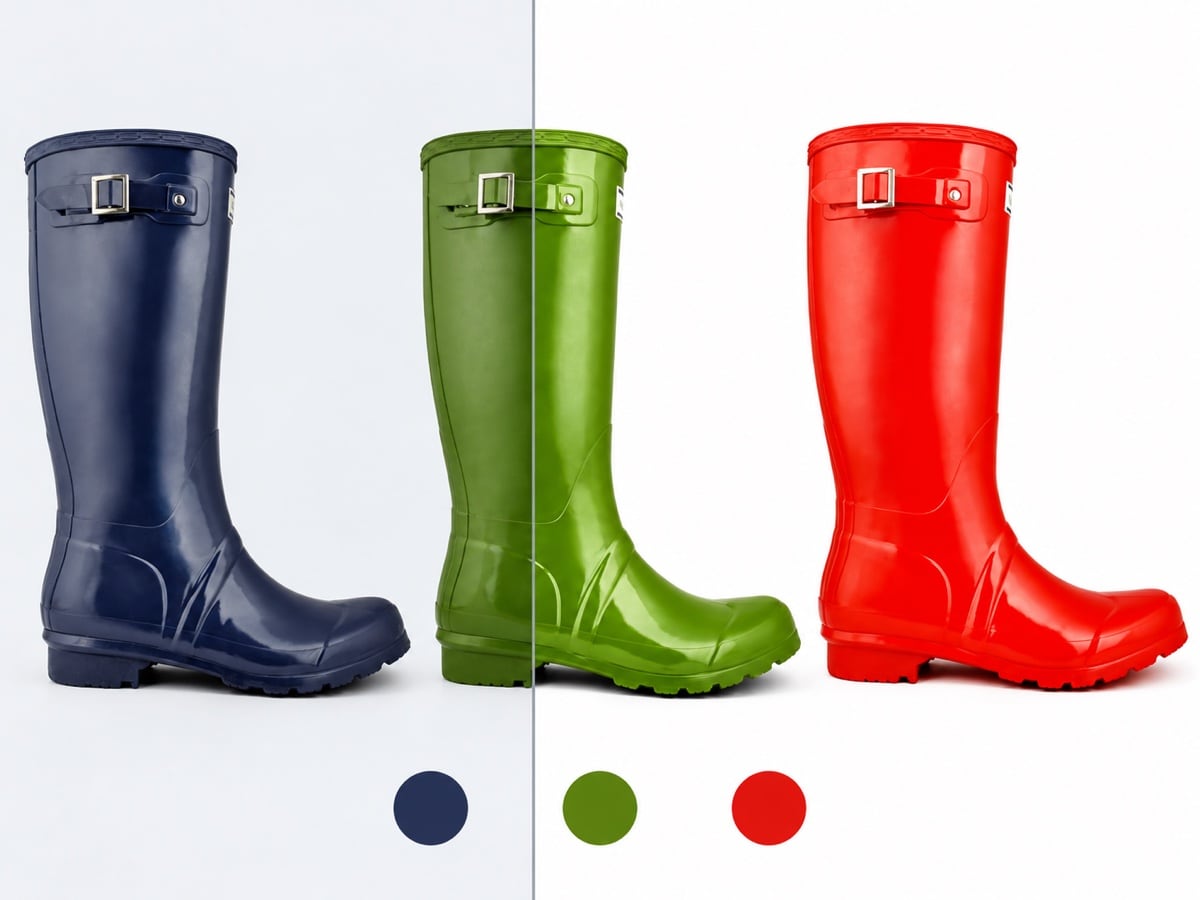
Navy, green and red Wellington boots with a split showing exposure and colour correction

Colour & exposure

Correct colour, create variants and balance exposure across your range.
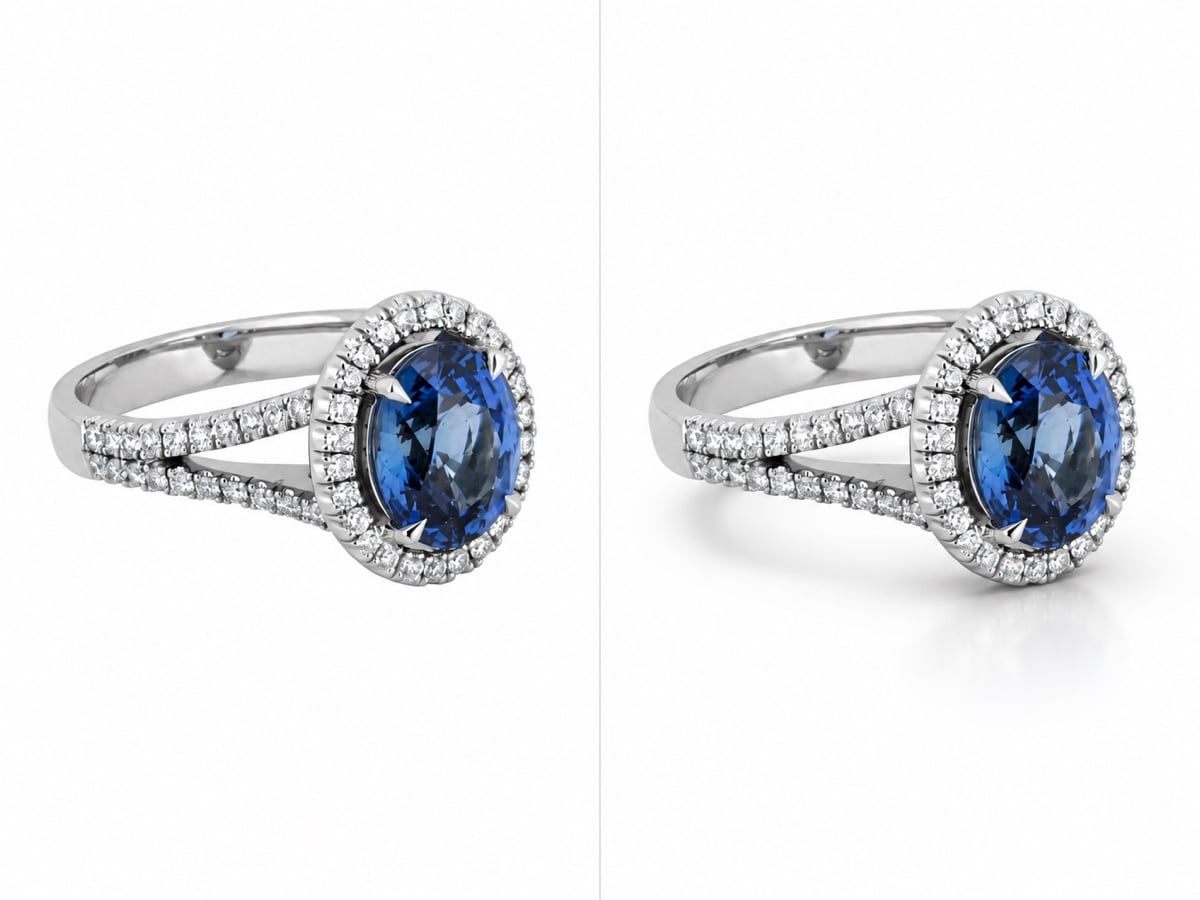
Silver ring with an oval blue gemstone shown without a shadow and with a soft shadow and reflection

Shadows & shape

Natural shadows. Refined shapes. Ghost mannequin editing for clothing.
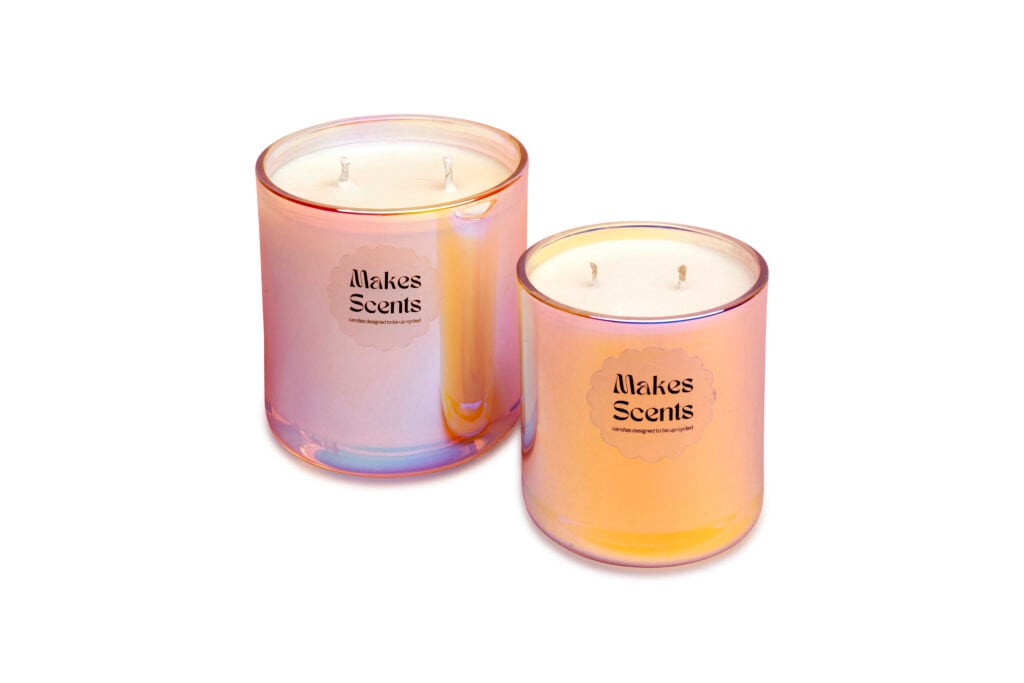
Two labelled pink and orange Makes Scents candles centred in a square export format
1:1
Two labelled pink and orange Makes Scents candles centred in a portrait export format
4:5
Two labelled pink and orange Makes Scents candles centred in a landscape export format
16:9

Ready-to-use files

Centre, straighten and resize. Ready for ecommerce, catalogues and print.

A simpler workflow

Upload. Brief. Review.

01

Upload your photographs

Drop in one image or a whole shoot. Order any time.

02

Choose your edits

Choose your edits. Mark up the details. See your price before ordering.

03

Review & download

Check the results, request changes and download your finished files.

View the illustrated workflow Process graphic showing image upload, customisation, checkout and review within 24 hours, with up to three free revisions, on white

Upload, brief, review and download.

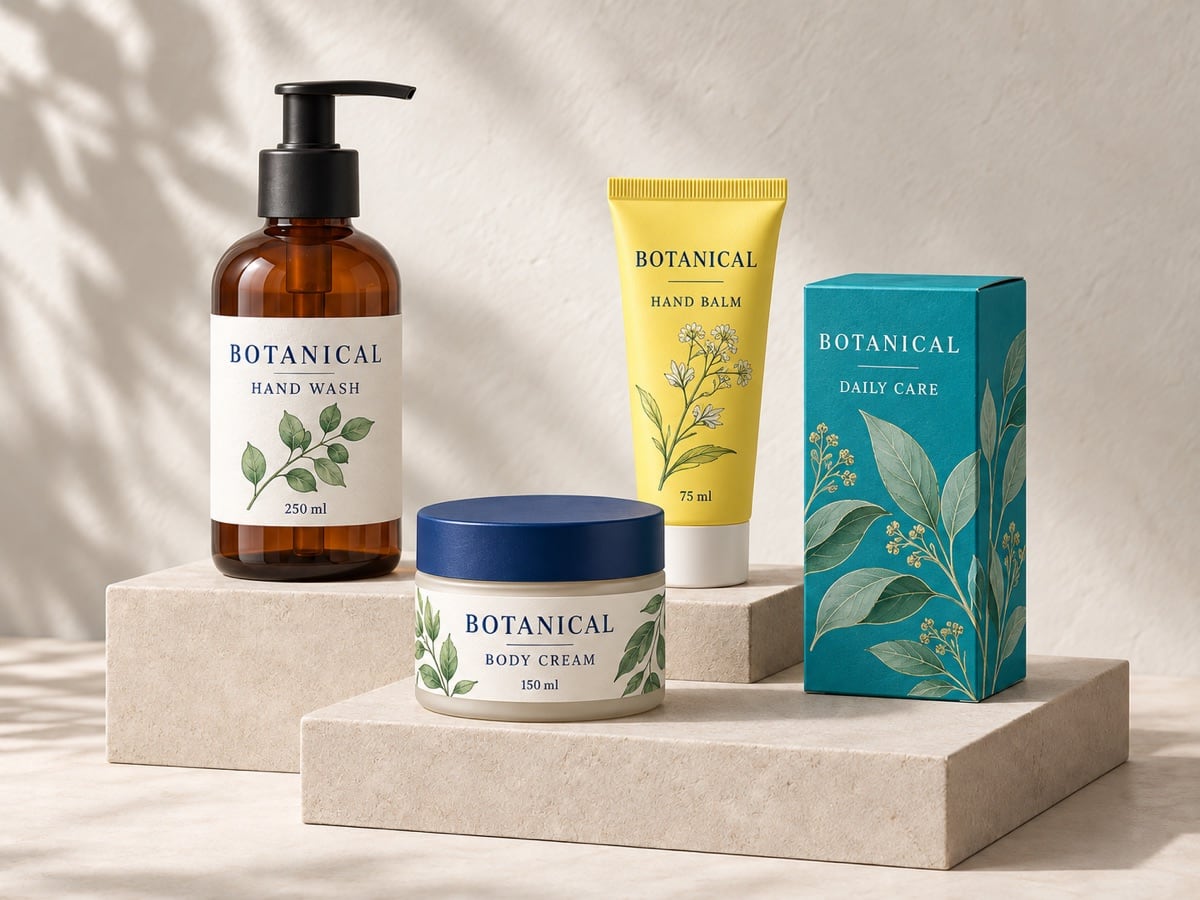
AI illustration of labelled hand wash, body cream and hand balm packaging in varied colours

For ecommerce sellers

Product photos.
Ready to sell.

A consistent finish for Shopify, Amazon, eBay and your own store.
  • Pure white (#FFFFFF) or brand-colour backgrounds
  • Consistent centring and straightening
  • Natural shadows that ground your products
  • Amazon and Shopify output presets
Explore Amazon photography ↗
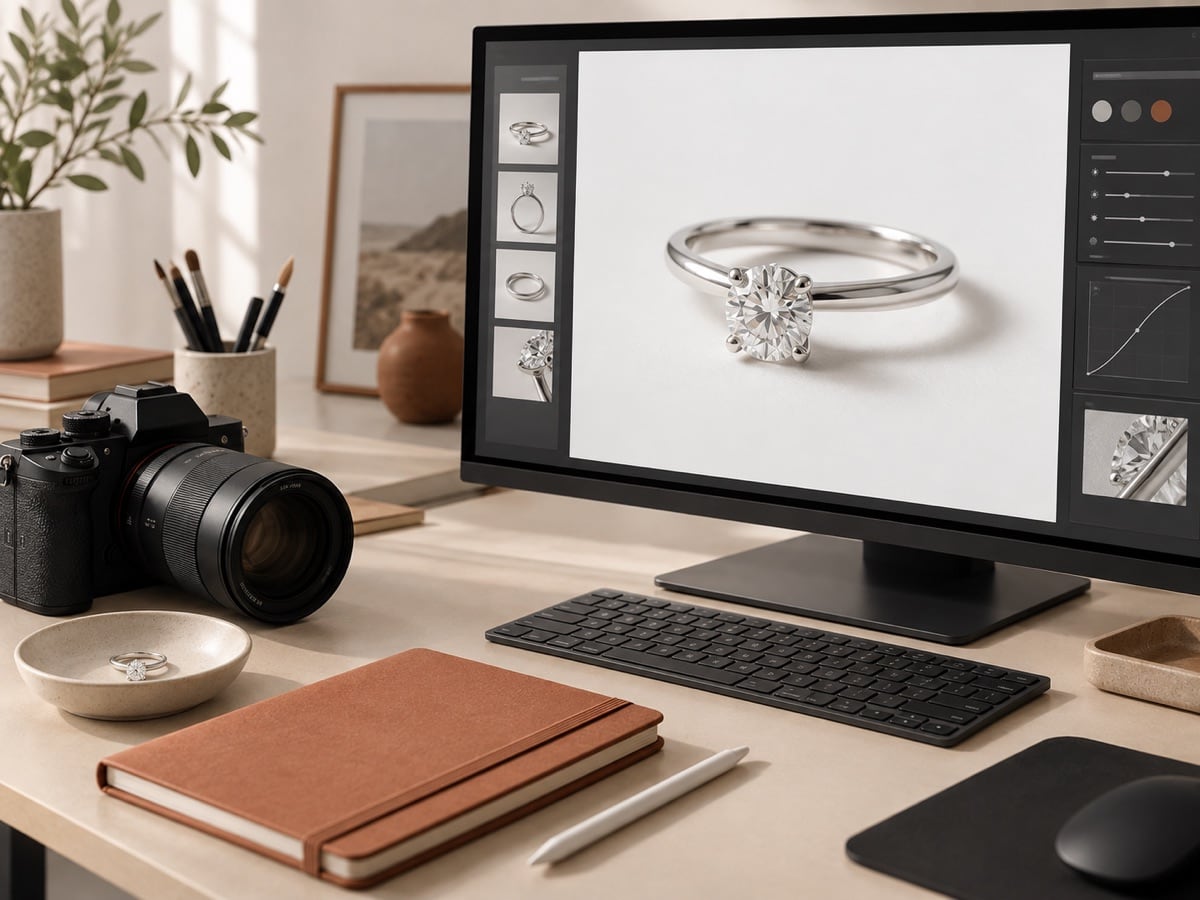
AI illustration of a product photography workspace with a camera, jewellery and a retouching screen

For photographers

Less post-production.
More time to shoot.

Keep creative control. Hand over the repetitive work.

  • Clipping paths and layered PSD or PDF files
  • Colour and retouching to match your style
  • Batch editing, with settings for each image
  • 24-hour turnaround for your next deadline
Explore the editing tools ↗

Your Picarm account

Every job.
One workspace.

From first upload to final download, keep your editing in one place.

Send your brief, follow progress and review the results. Sign in to revisit previous jobs and download your finished files.

  • A clear brief

    Choose your edits. Mark the details on your images.

  • You have the final say

    Review the work and request changes before approval.

  • Previous jobs, within reach

    Find past orders and download completed files from your account.

No subscription. Pay for the edits you need.
PicarmYour editing workspace
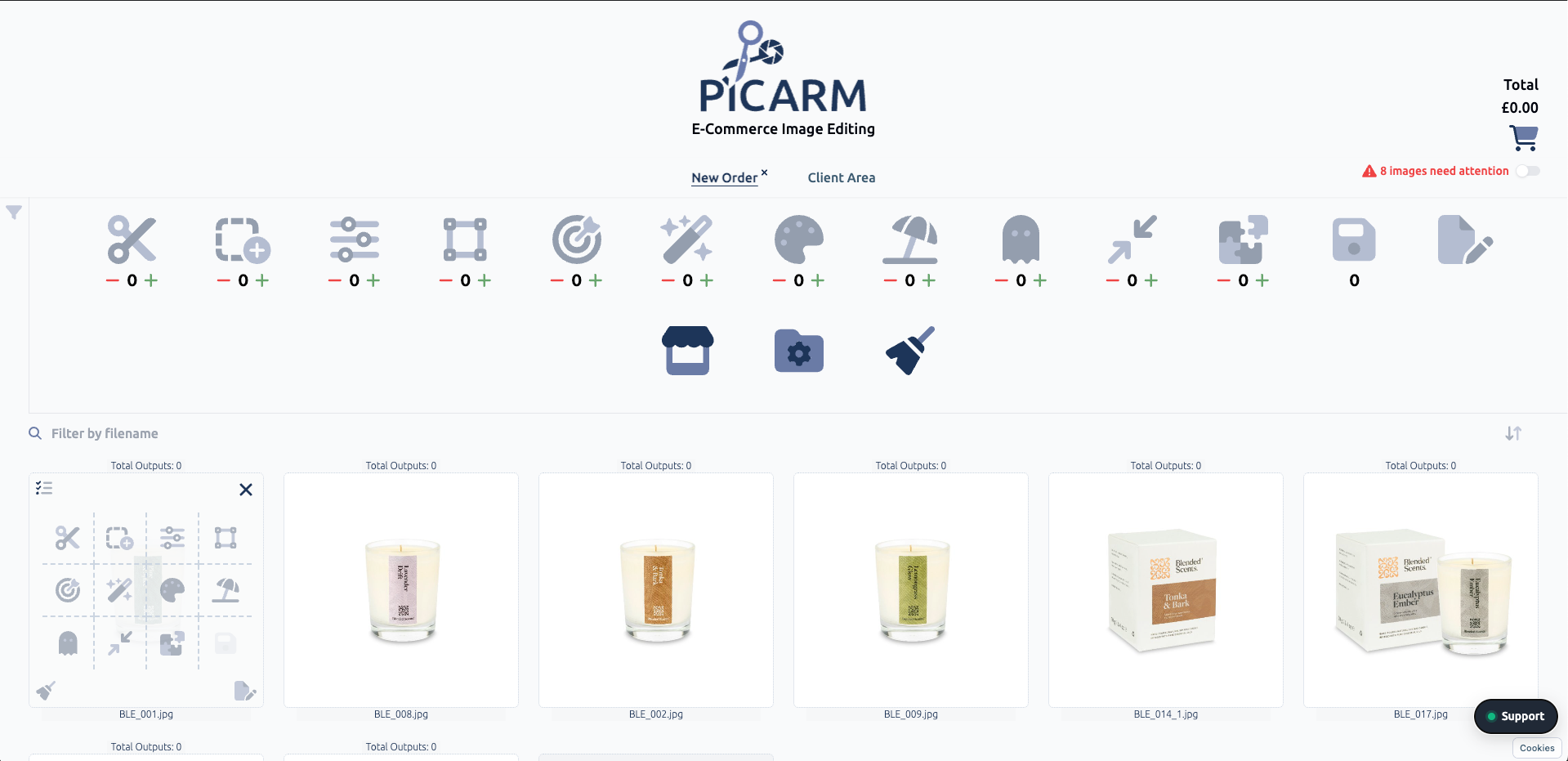
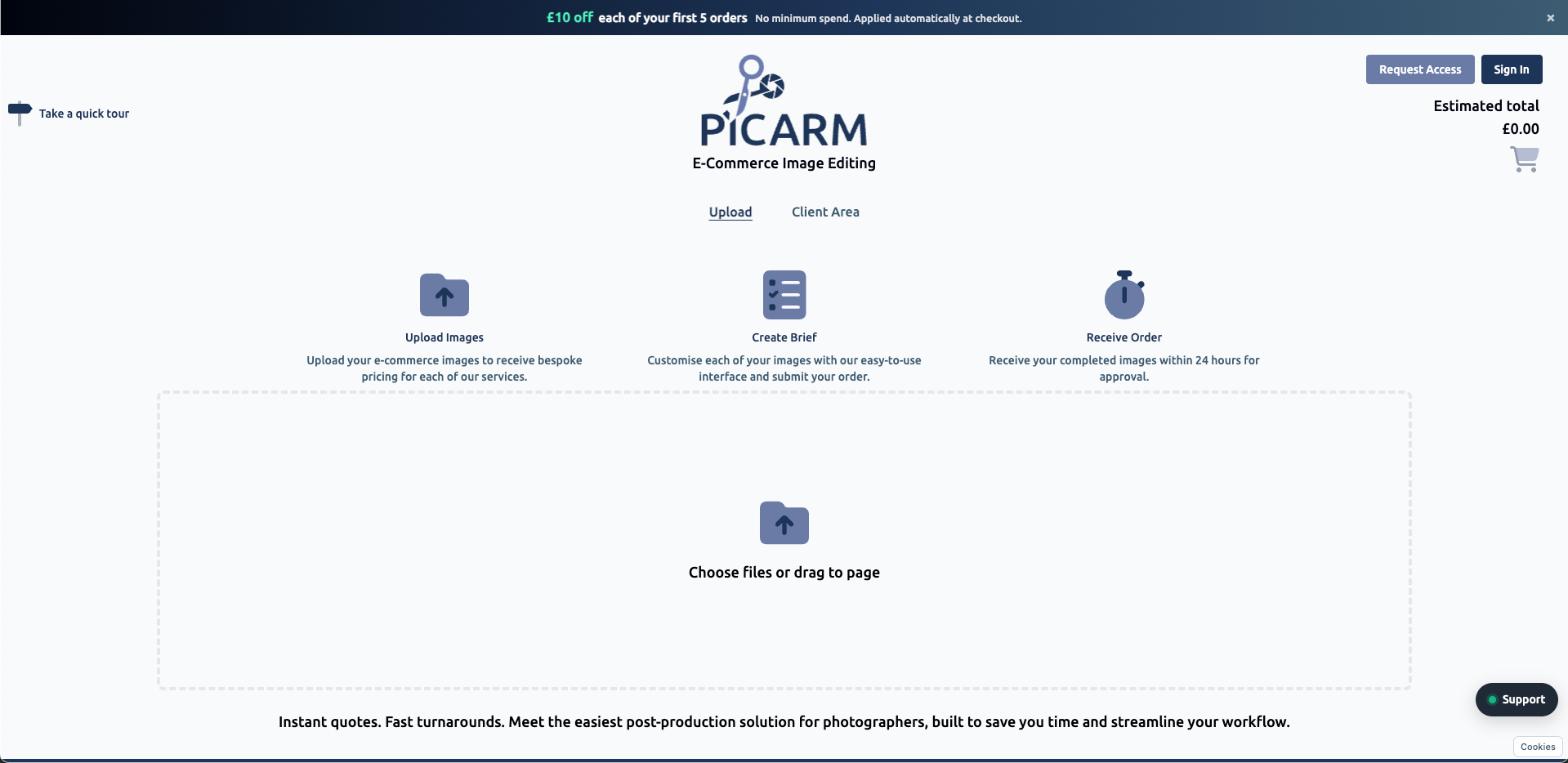
Picarm upload screen with image upload area, editing brief steps and client account access
01 · Upload your photographs
Picarm editing workspace showing candle photographs, service icons and individual image editing options
02 · Make your brief clear
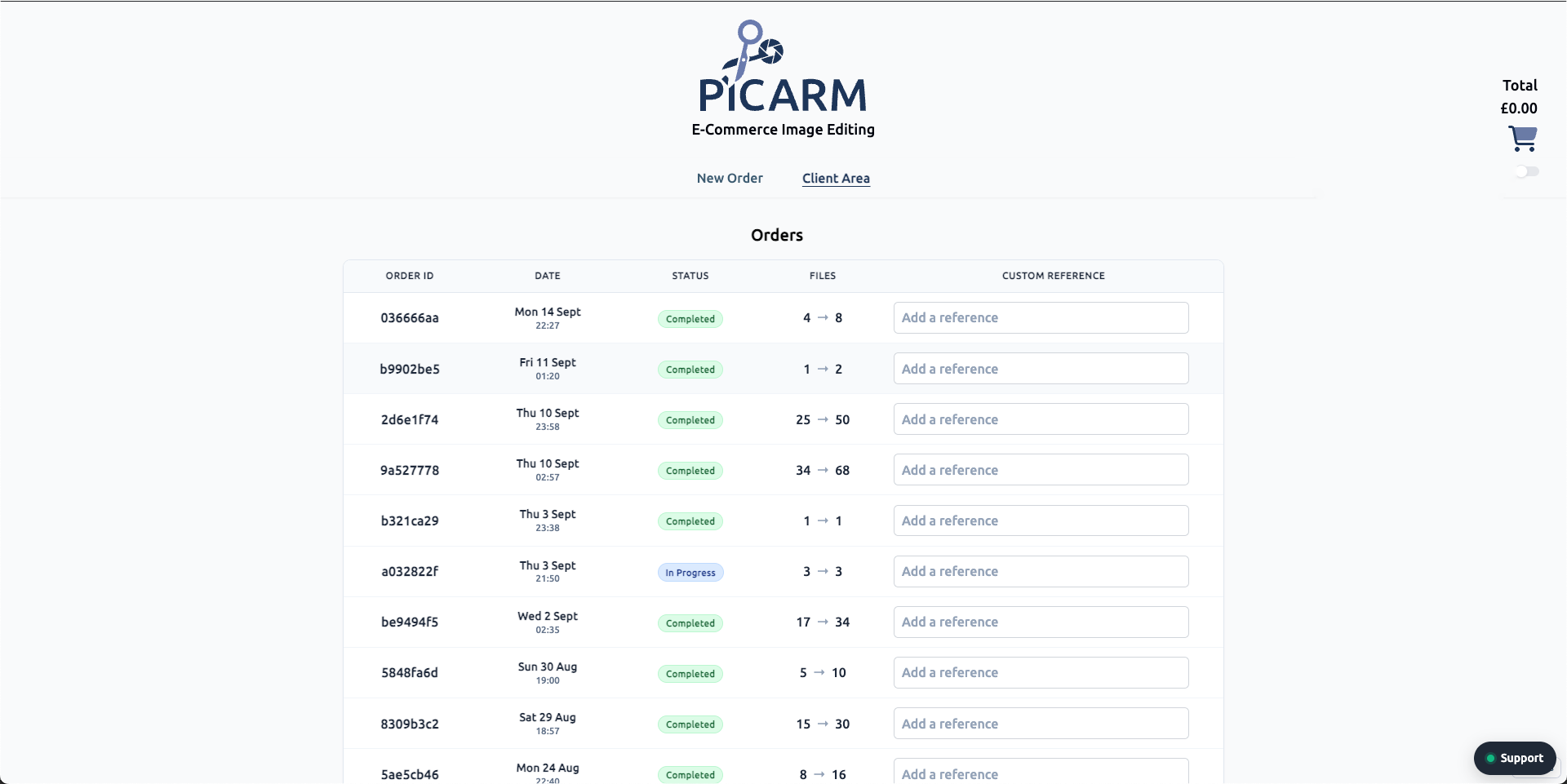
Picarm client area showing previous orders, completion status, dates and file counts
03 · Keep every job in view

Your Picarm workspace. Select a screen for a closer look.

Built around your work

Why choose Picarm?

Built with a professional product photographer. Made for real shoots and busy schedules.

Review every edit. Request changes. Your feedback shapes what comes next.

How does pricing work?

Choose your edits and see the price instantly. Check the total before you order.

Can I upload a whole shoot?

Yes. Upload high-resolution images in batches. Set edits individually, then review and approve one by one or together.

When can I order, and how quickly are images edited?

Order 24/7, with turnaround within 24 hours. Include your deadline and editing requirements in your brief.

Do I need a subscription?

No monthly fee. Pay for the edits you need. Try the editor without an account; sign up at checkout.

How do I explain the changes I want?

Choose your edits and mark details directly on the photograph. Review the result and request changes in the same place.

Which files can I download?

JPG, PNG, PSD and TIFF, with resizing options. Check the editor for the formats available for your order.

Can I return to previous orders?

Yes. Sign in to find your order history, review saved jobs and download your files.

Ready when you are

Your next image.
Finished.

Give your products the finish they deserve.
£10 off each of your first 5 orders.

Your code arrives by email at signup.