
Start with where the finished images will be used
A useful photo editing brief explains the finished result, rather than simply asking for the images to look better. A product page, a printed catalogue and a promotional banner may need different crops, backgrounds and file sizes. Tell the editor which versions you need before work starts.
Include a screenshot or example of the intended layout, alongside the original photographs. If the same image needs a square shop version and a wide banner version, list both. Extra canvas does not guarantee that a narrow photograph will work in a wide space without changing the composition.
This guide is for businesses commissioning editing of existing product images. If you are unsure whether the original photographs are suitable, our retouching or reshoot guide helps you assess that first.
Send the best originals and keep the references separate
Supply the highest-quality original files you have, rather than screenshots or copies downloaded from your shop. Keep an untouched copy. Explain which files have already been edited, and send a representative selection before committing a large collection to the same instructions.
Separate the images to be edited from reference images showing the desired finish. Give each source file a stable product reference and mark which views belong together. A short list connecting filenames to instructions is easier to follow than several messages describing “the third picture”.
Include an ordinary example and any difficult materials, such as glass, fine chains or glossy surfaces. Ask the editor to assess the actual files and confirm what is achievable, which source formats to supply and how to transfer the collection.
Describe each change and what must stay the same
| Editing task | What to specify |
|---|---|
| Background removal | White, a named background colour or transparency; include the treatment of fine edges and see-through areas. |
| Surface retouching | Identify dust or temporary marks to remove, and textures, seams and intentional markings to retain. |
| Colour and exposure | Supply a useful reference and identify the colour-sensitive parts. Explain whether the reference is for colour, brightness or overall mood. |
| Shadows and reflections | Say whether to retain the existing shadow, soften it or discuss a replacement treatment. Show the finish you want. |
| Crop and alignment | Specify the canvas shape, product position and margins, supported by an approved example. |
Make preservation instructions explicit. Logos, label wording, colours, materials and construction should remain faithful to the product. Removing a fingerprint is different from removing a permanent feature. Mark ambiguous areas on a separate annotated copy, leaving the original untouched.
If a request involves changing a product colour, send an accurate reference for that option. A different finish or material may reflect light differently, so do not assume recolouring one photograph will represent every variant correctly.
Agree the finish on a small sample
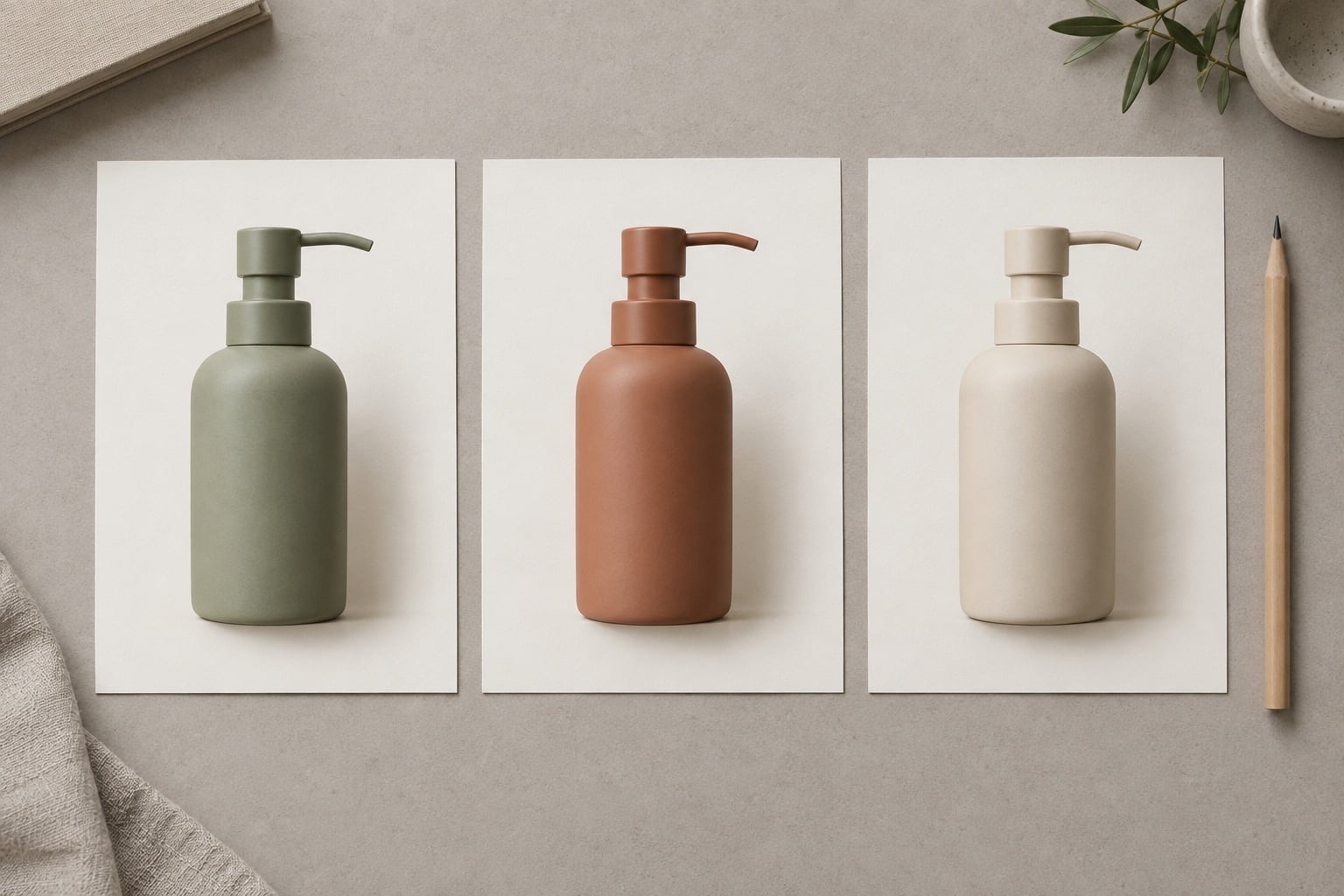
Choose representative images and agree a sample stage before the full batch. Confirm whether that stage is included in the quotation. Review the result at its intended viewing size, then look closely at important edges, labels, texture and any retouched areas.
For a product grid, view several finished images together. Check the margins, baseline and shadow treatment. Consistency does not mean stretching every product to the same height: different shapes need sensible framing, and product proportions must remain intact.
Send one consolidated set of comments against named files. Separate a missed instruction from a new request, such as adding another background version. Once agreed, keep the sample and written instructions together as the reference for the remaining images. Our consistent product photography guide also covers matching new photographs to an existing collection.
Count the images and the finished versions
Give the editor both the number of source images and the output versions required. For example, twenty source photographs needing a square white-background version and a transparent version produce forty delivered files. That does not automatically mean forty separate retouching jobs, but both versions need to be included in the scope.
Supply the required pixel dimensions, file formats and naming convention. For print work, ask the designer or printer for their specifications. If transparency is needed, request a format that supports it, such as PNG; JPEG does not retain a transparent background.
State whether you need only finished exports or also editable working files, and ask what is included. Agree the deadline, sample review date and how amendments will be handled. These details help avoid discovering a missing version just before a product launch.
A sample enquiry you can adapt
“We have twenty product photographs for our online shop. Please remove the backgrounds, clean visible dust and match the crop in the supplied reference. Keep all labels, stitching and surface texture unchanged. We need a square white-background JPEG and a transparent PNG for each image, using our product references as filenames. Please assess the three sample originals and quote for the full batch, including an agreed sample review.”
Add your required dimensions and dates, then attach the sample originals, reference and file list. Flag exceptions separately: one image needing substantial work should not be hidden inside a general instruction for the whole collection.
To discuss your images, explore our photo editing services or contact the studio with representative files and the result you need. A clear brief gives us something concrete to assess and quote.