

Guide · Plan your photography
How many product photographs do you need for an online shop?
Choose the views that answer buyers’ questions and turn your product list into a clear photography brief.
Start with a clear main photograph, then add views that explain shape, detail, scale or contents. Count each variant separately and prioritise useful information over several similar angles.
Start with the questions a customer needs answered
A useful product image earns its place by showing something a buyer needs to know. Before deciding how many photographs to commission, list the questions someone might ask when they cannot pick up the item: what does it look like, how big is it, what is it made from, and what is included?
There is no single image count that suits every product. A plain coaster and a bag with several compartments need different explanations. Start with a clear main photograph, then add views that resolve specific uncertainties. Five similar angles can say less than three carefully chosen views.
This guide is a way to plan your own shop’s image set. If you also sell through a marketplace or supply a retailer, check their current image requirements separately before finalising the brief.
Give each photograph a clear job
| Photograph | What it should explain |
|---|---|
| Main product view | The product’s overall appearance, shape and colour at a glance. |
| Alternative angle | A side, back or profile that reveals something the main view hides. |
| Detail | Texture, construction, fittings or a feature that needs a closer look. |
| Open or in-use view | How a lid, fastening, compartment or other relevant part works. |
| Scale or context | How the item relates to a familiar setting or an accurately stated size. |
| Contents or packaging | Exactly what the customer receives, when that is otherwise unclear. |
These are options, not a requirement to commission all six. A second angle is useful when it reveals a handle or changes the understanding of the shape. If it merely repeats the main view, another photograph may be a better use of the budget.
A styled scene can explain use or scale, but make clear which props are not included. Photographs also sit alongside dimensions and product descriptions; perspective alone is not a reliable measurement.
Build a small, purposeful set before adding extras
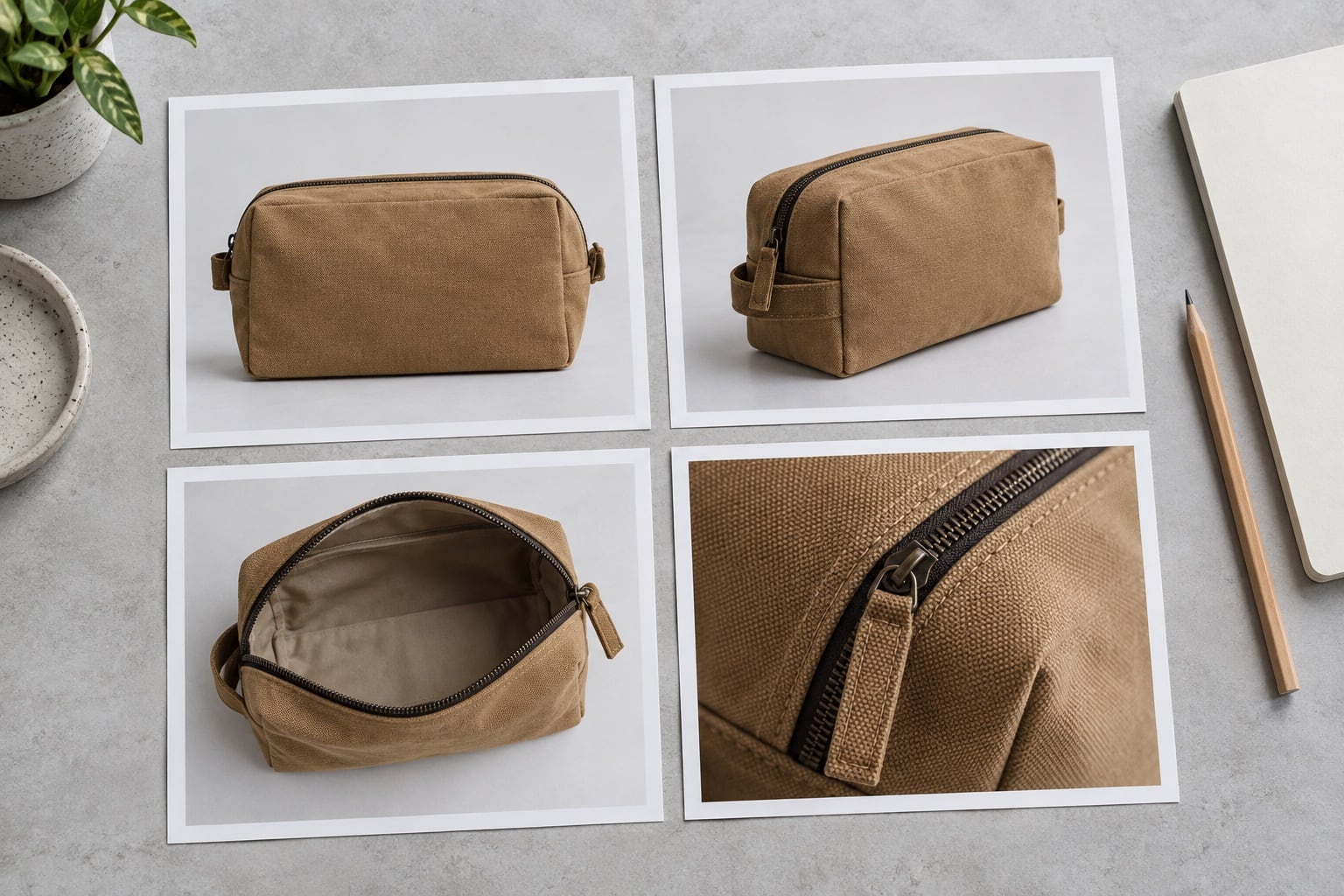
Consider a canvas wash bag. A starting brief might include a main three-quarter view, an open view showing the interior, and a close detail of the zip and fabric. A back view becomes useful if it reveals another pocket. A context photograph may help if the intended use is otherwise difficult to understand.
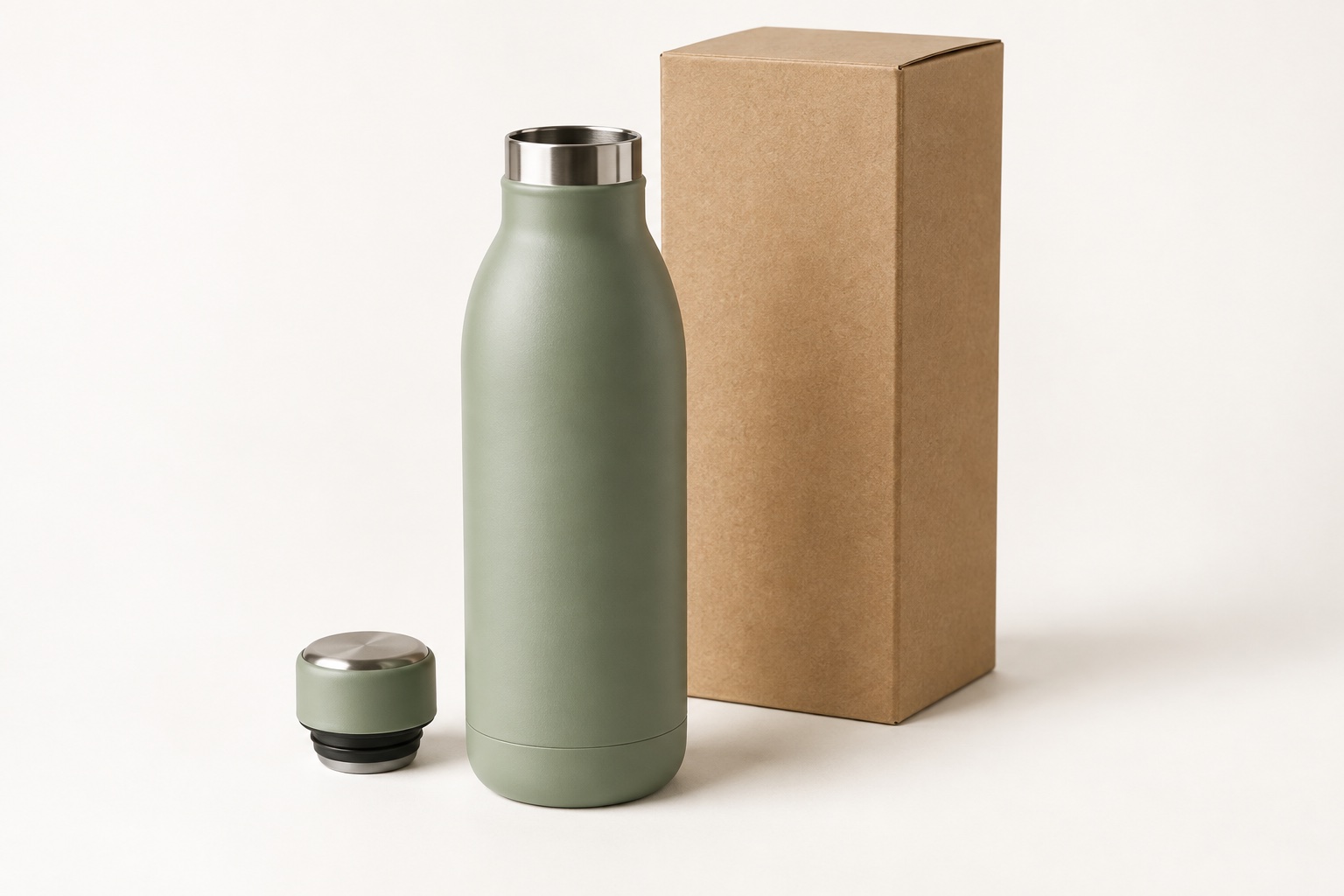
For a simple drinks bottle, the main view might show most of the shape already. An open view can explain the mouth and cap, while a detail photograph can show a feature that distinguishes the product. Photographing the same bottle from several nearly identical positions would not necessarily answer more questions.
These examples are planning suggestions, not fixed packages. Send your product list and tell us what customers need to see; we can discuss a suitable set for the actual items.
Count variants and shared photographs carefully
Separate the number of products from the number of finished photographs. Four colour variants with three individual views each would mean twelve finished images, before any group or lifestyle photographs are added.
Some explanatory images may work across a range, but only if the feature shown is genuinely the same. A shared interior photograph is misleading if another size has a different lining or compartment. Check labels, fittings, dimensions and packaging before deciding that one image can represent several variants.
List each variant by a clear product code and mark which views it needs. If you are adding to existing photography, our consistency guide explains how to use the earlier images as references.
Prioritise the views before asking for a quote
Divide the shot list into essential views and optional additions. Essential photographs should identify the product and explain its important features. Optional photographs might support a campaign, show another use or provide more choice for page layouts.
Tell the studio where each image will appear. A product-page photograph, wide website banner and social post may need different framing. Cropping one file into several shapes does not automatically provide the space or detail each layout needs.
The finished-image count is only part of the work. Materials, preparation, styling and retouching also affect what is involved. Our quotation guide explains the details to compare, while our packshots and lifestyle guide helps you choose the type of photography.
Send a shot list that can be checked
- List every product and variant with a clear reference code.
- Give each requested view a purpose, such as “show the inside pocket”.
- Separate individual photographs from group photographs.
- Identify any shared images and confirm which products they accurately represent.
- State the intended page layouts and any required crops.
- Mark essential views and optional additions separately.
You do not need to know every technical detail before enquiring. A product list, a few reference examples and an explanation of what you want to sell are a useful starting point. Use our briefing guide to gather the information, then contact the studio to discuss the photographs you need.
Service information and further reading
Planning photographs for your online shop?
Send your product list and tell us what customers need to see. We can discuss a practical set of views and prepare a quotation.